




















Using Meshery Playground

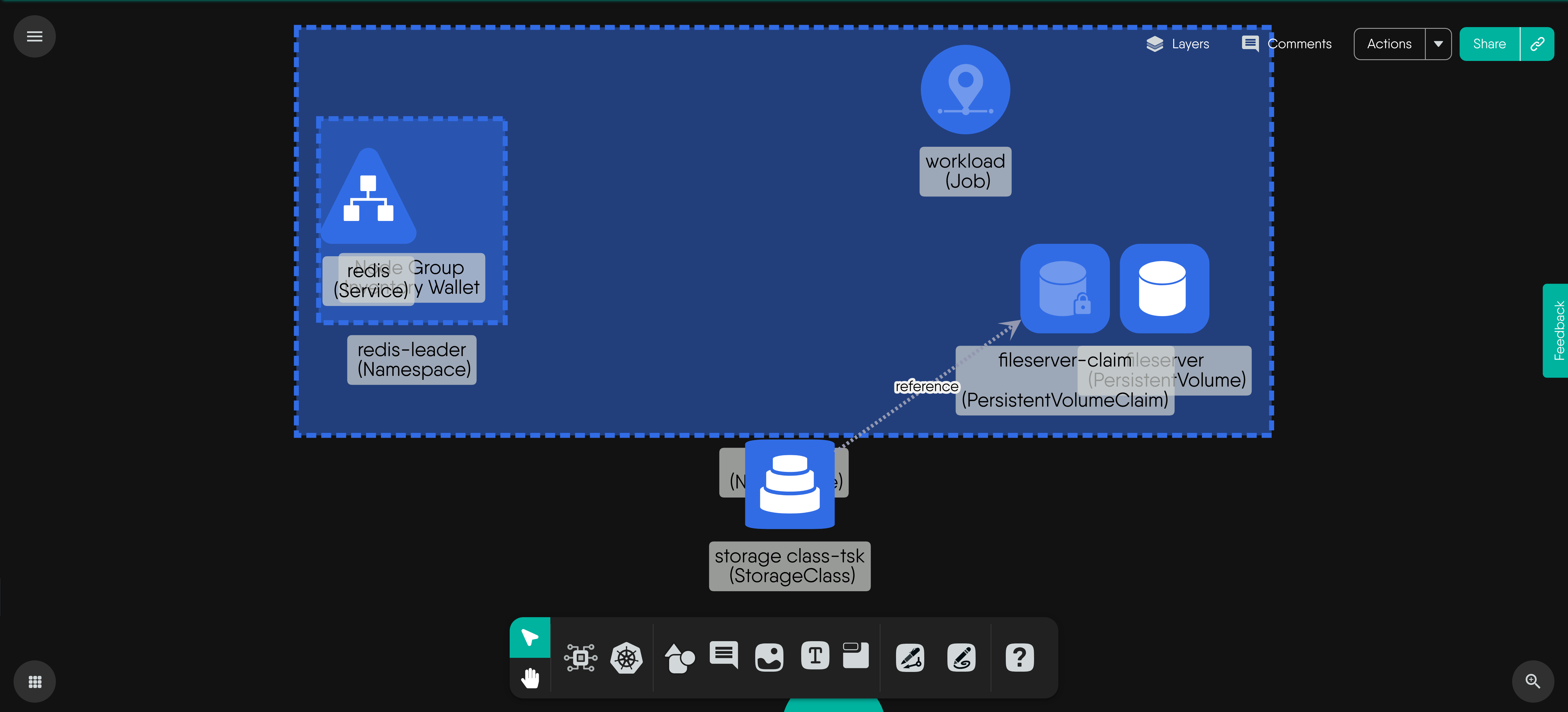
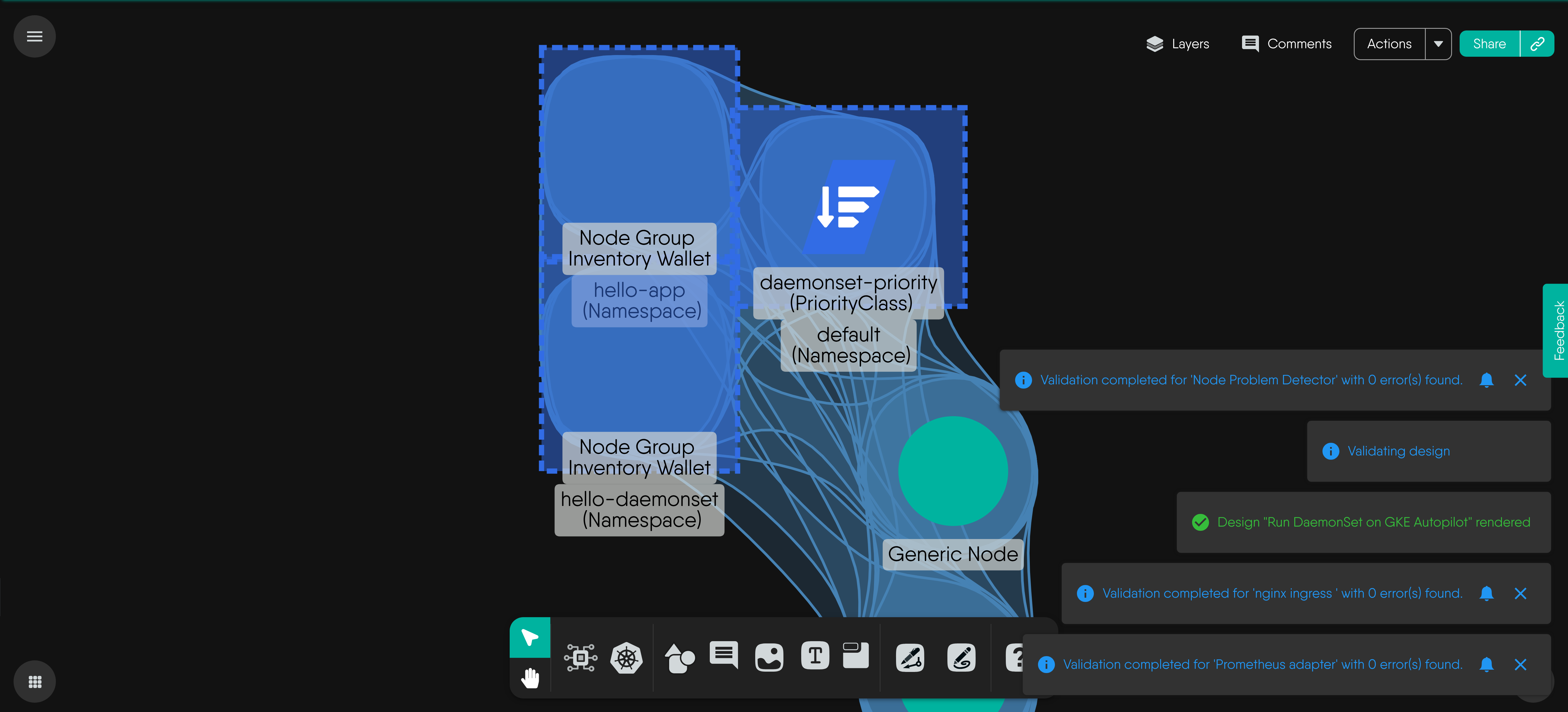
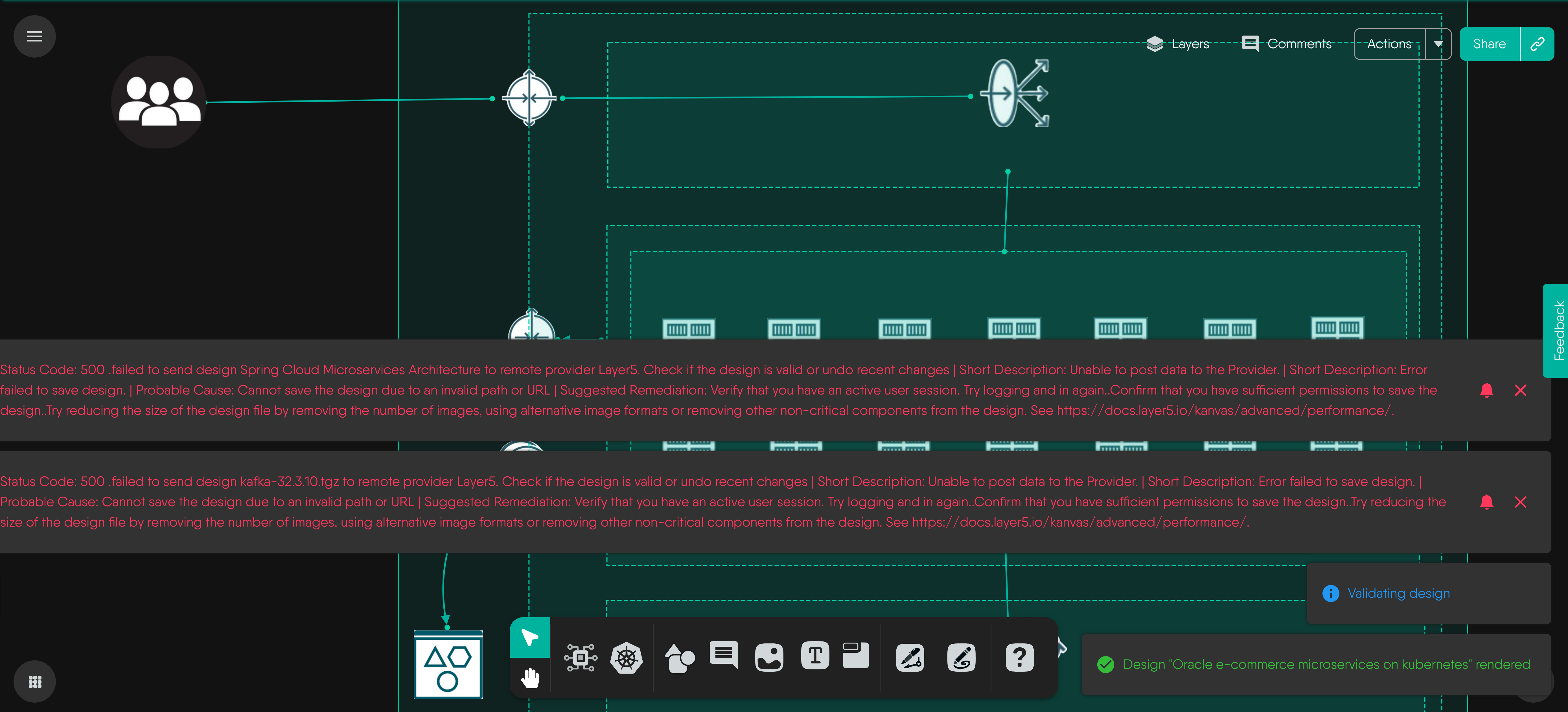
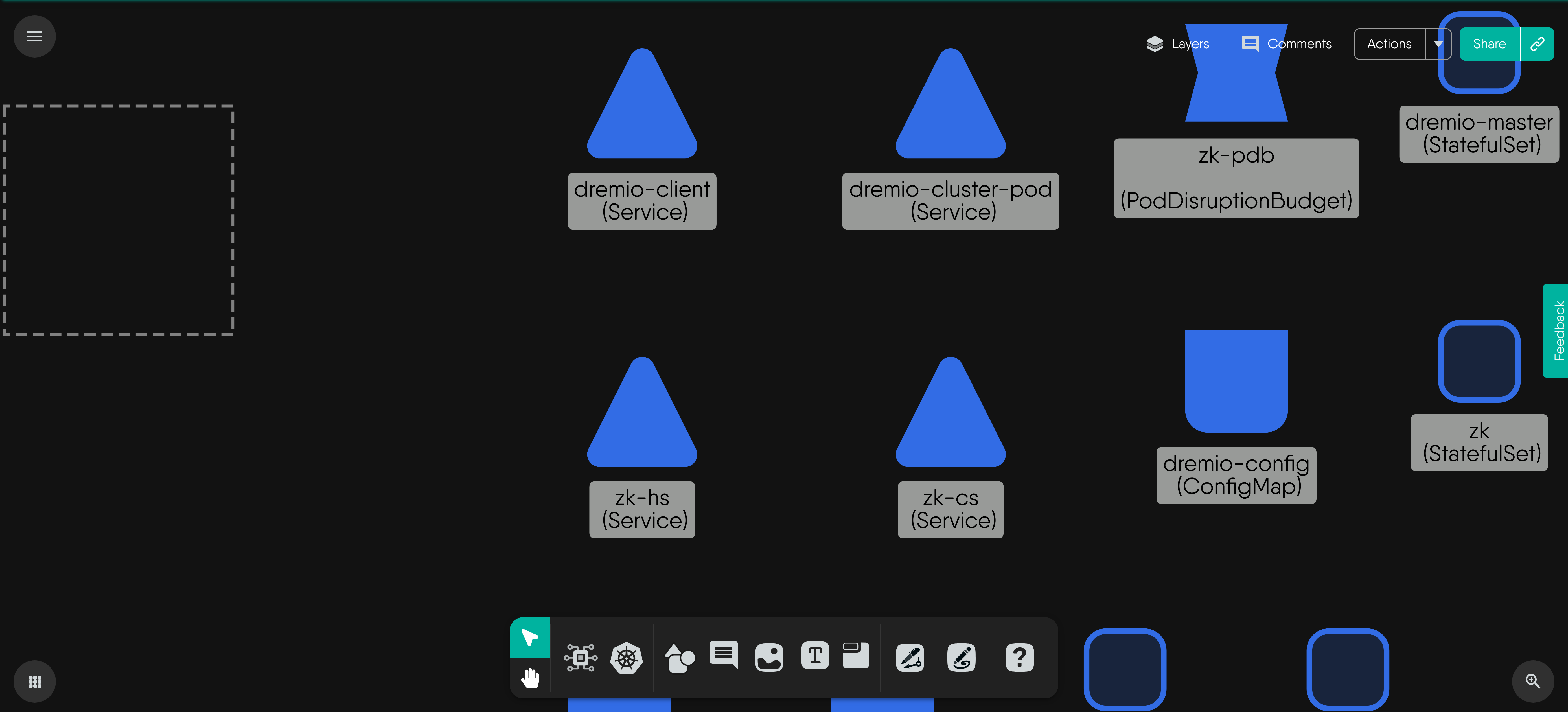
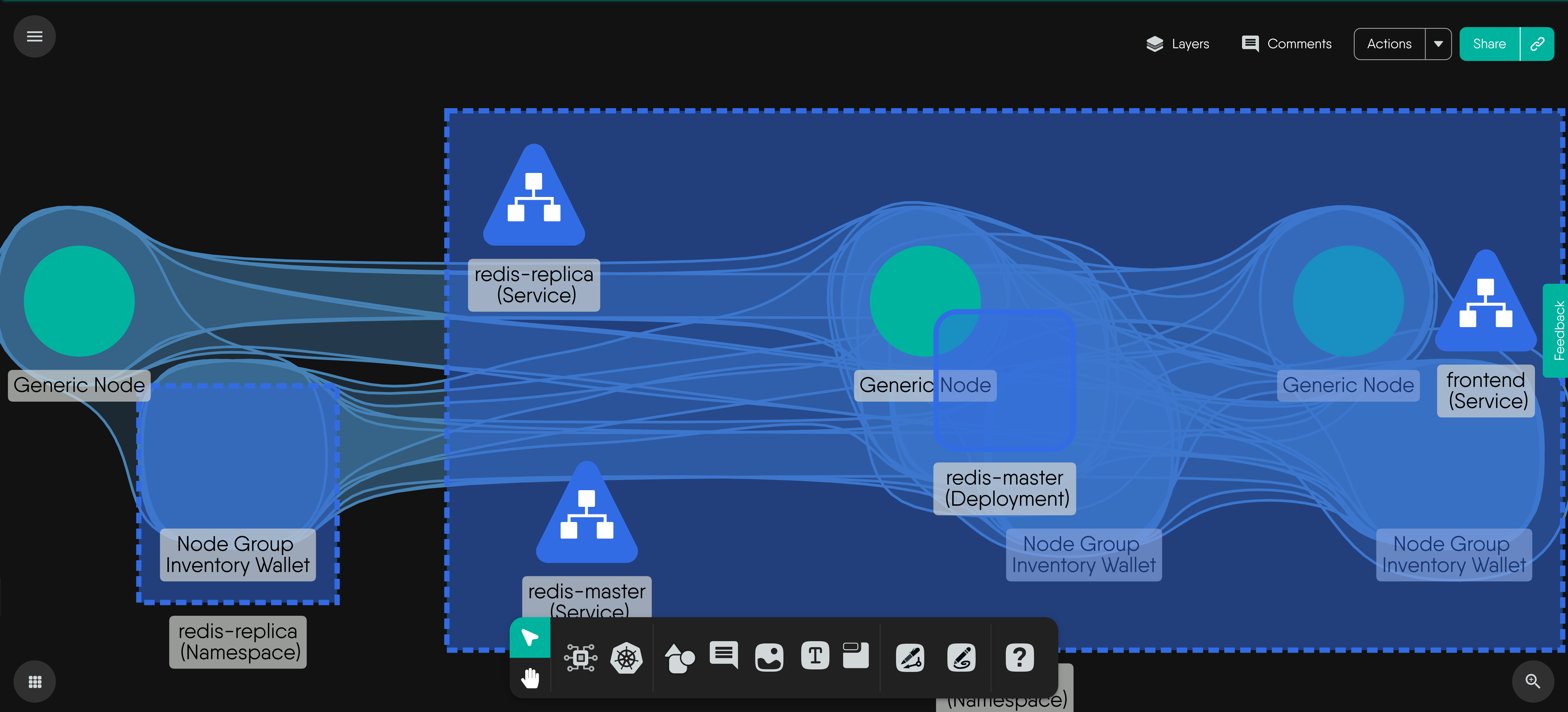
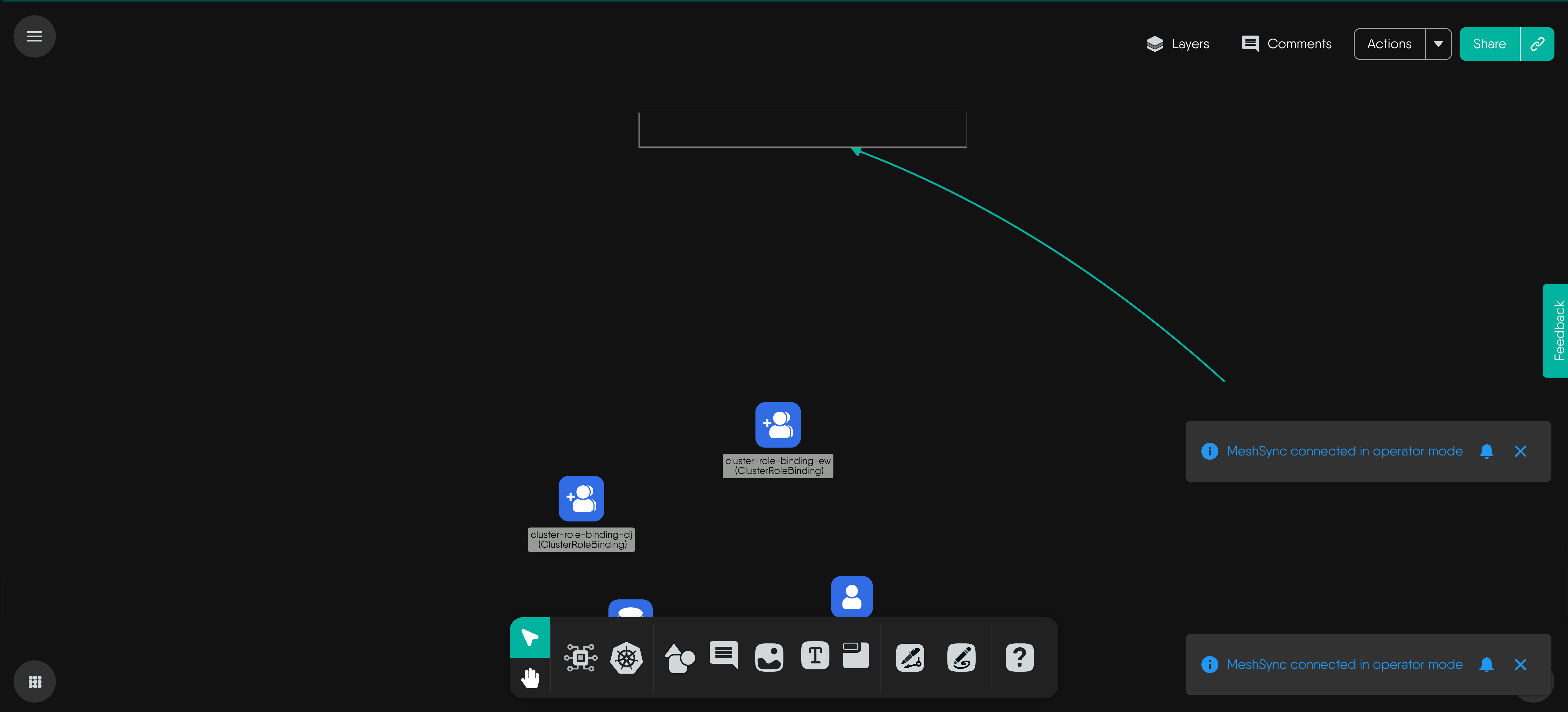
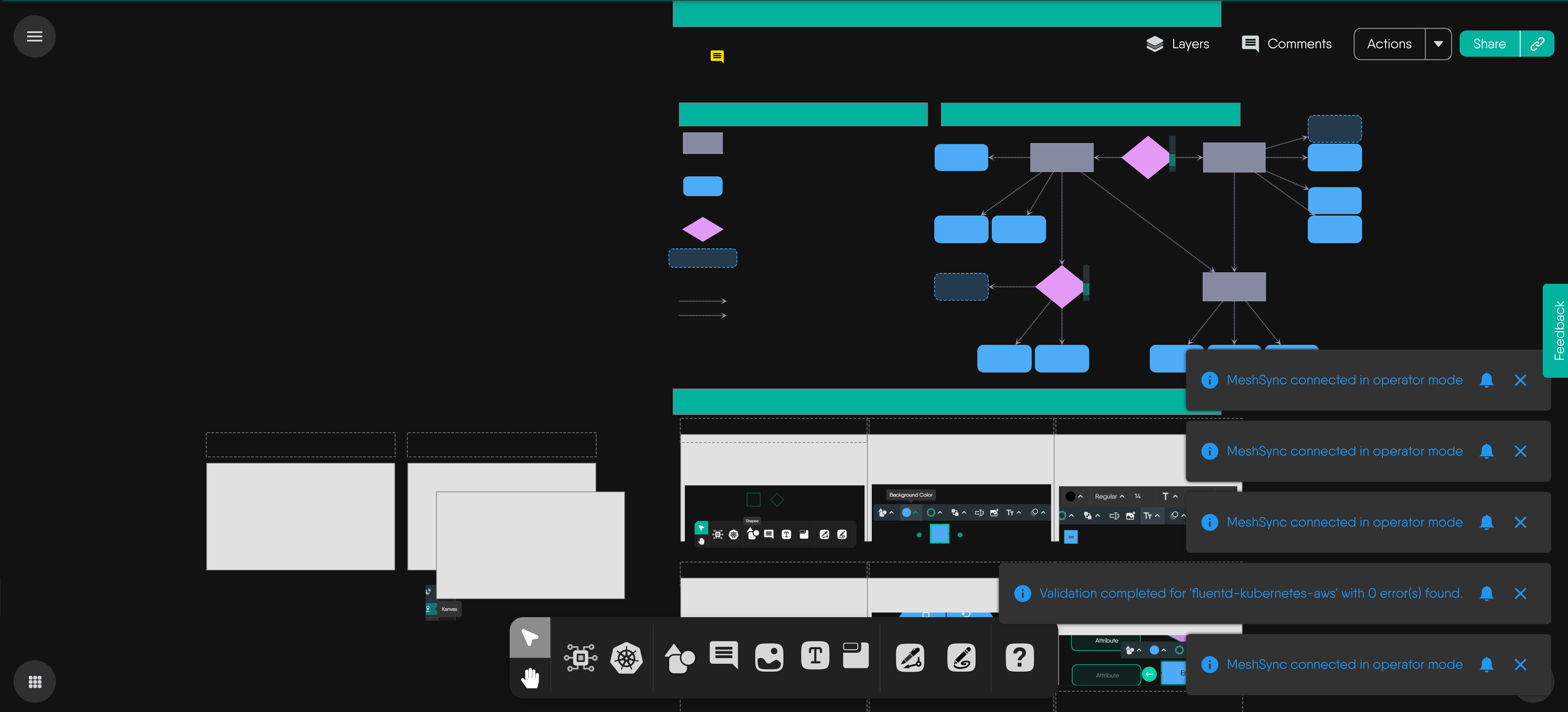
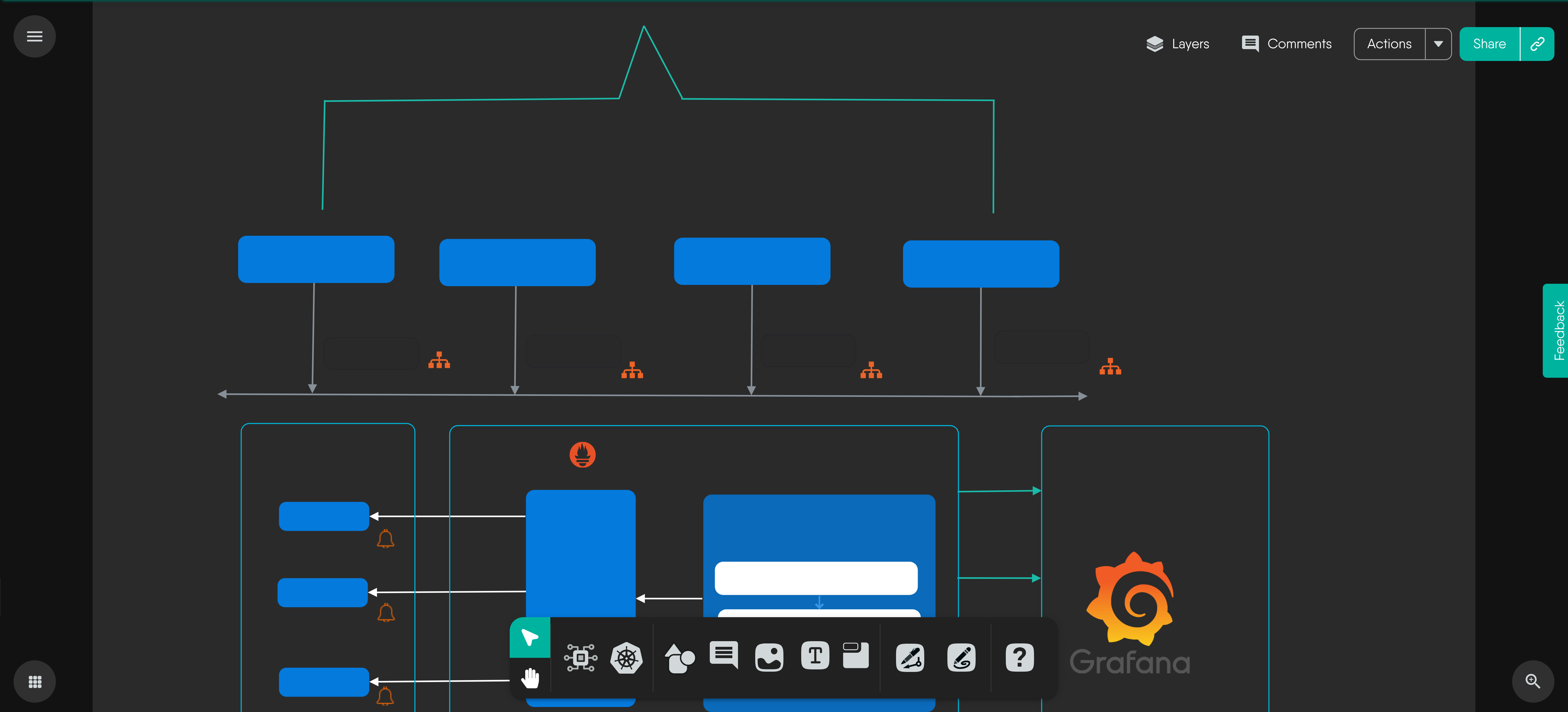
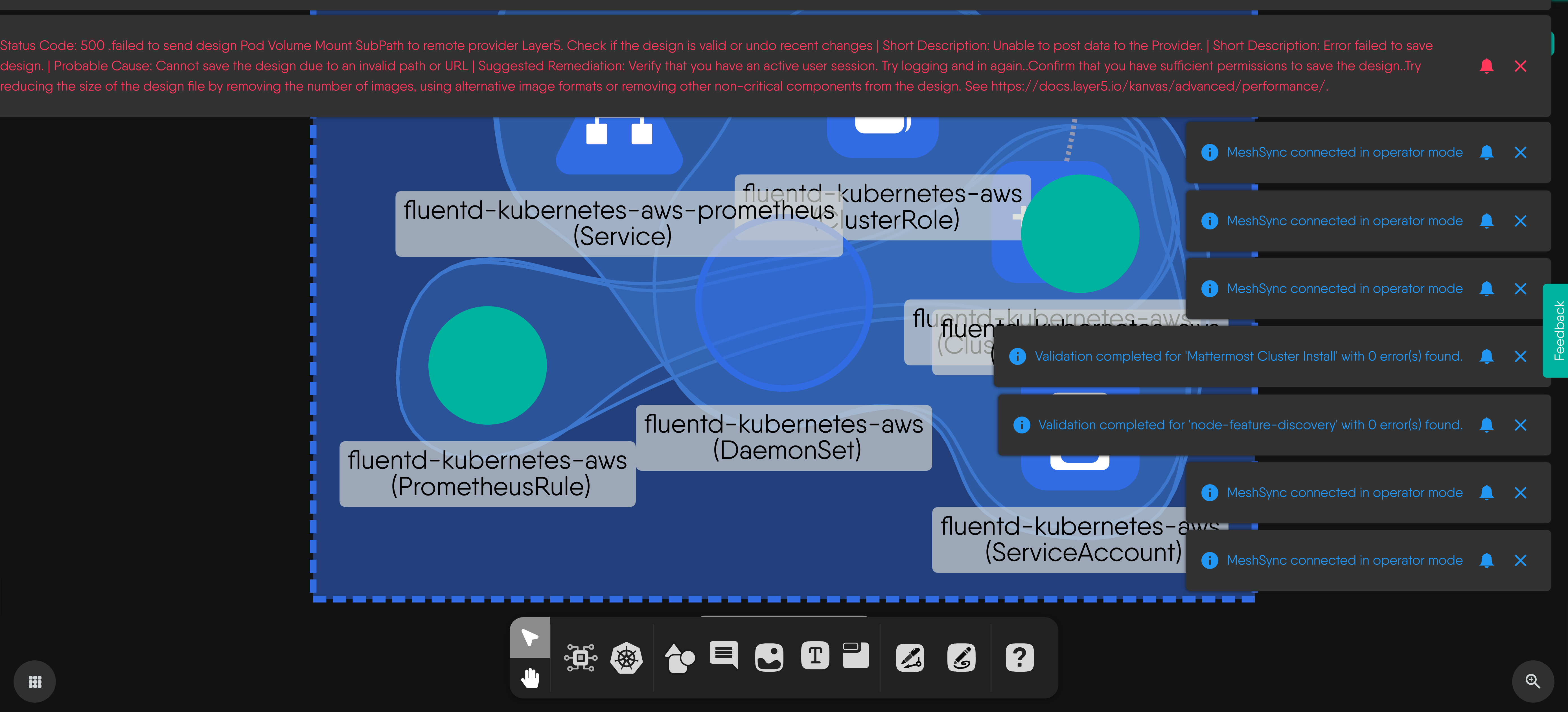
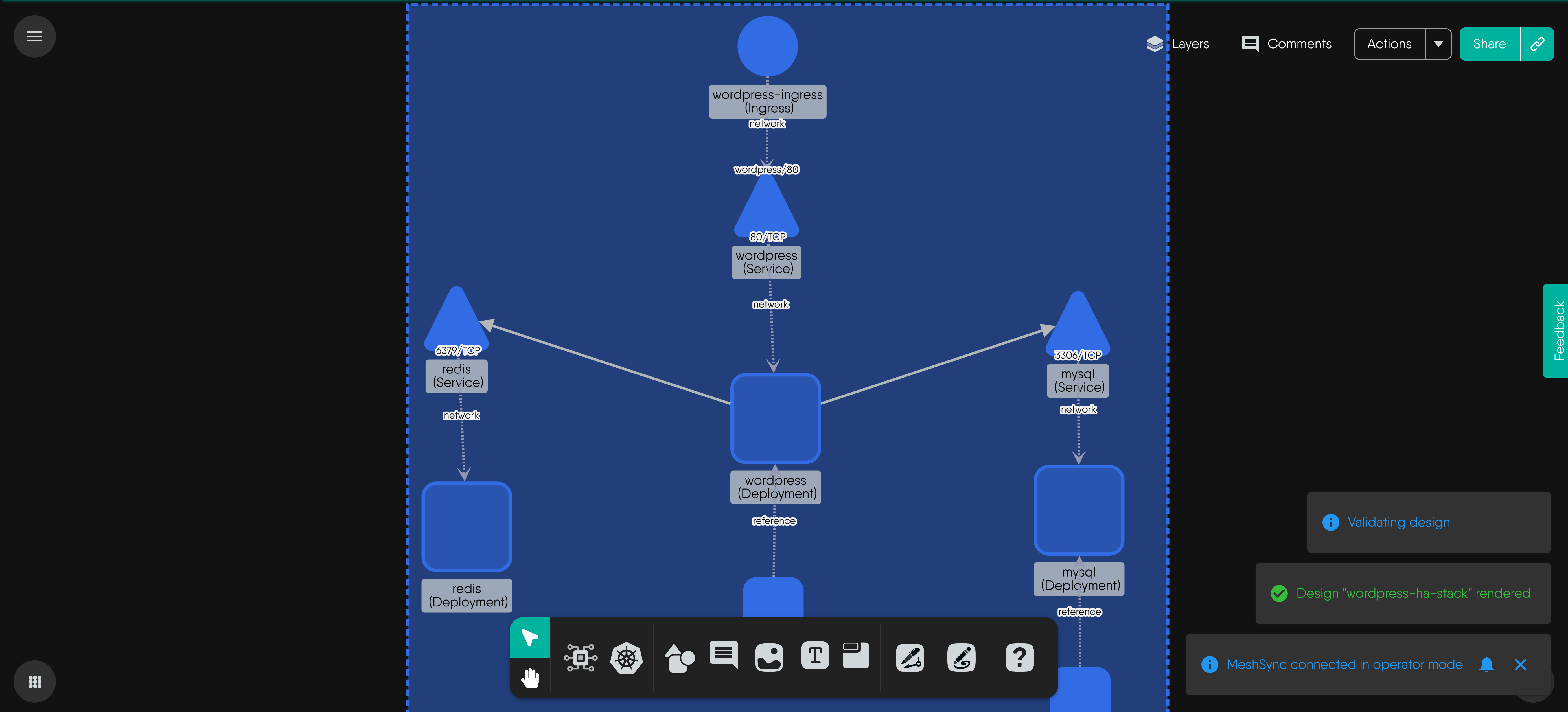
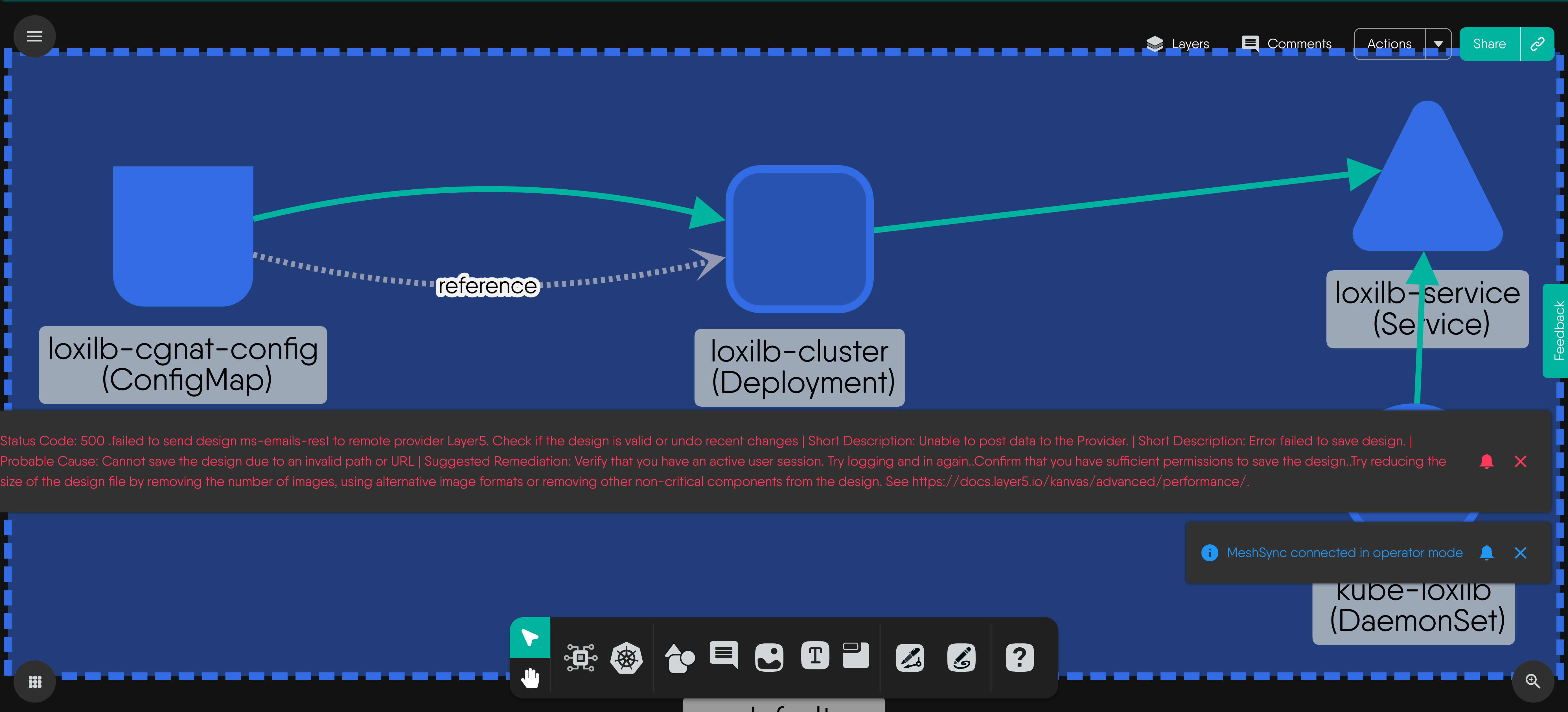
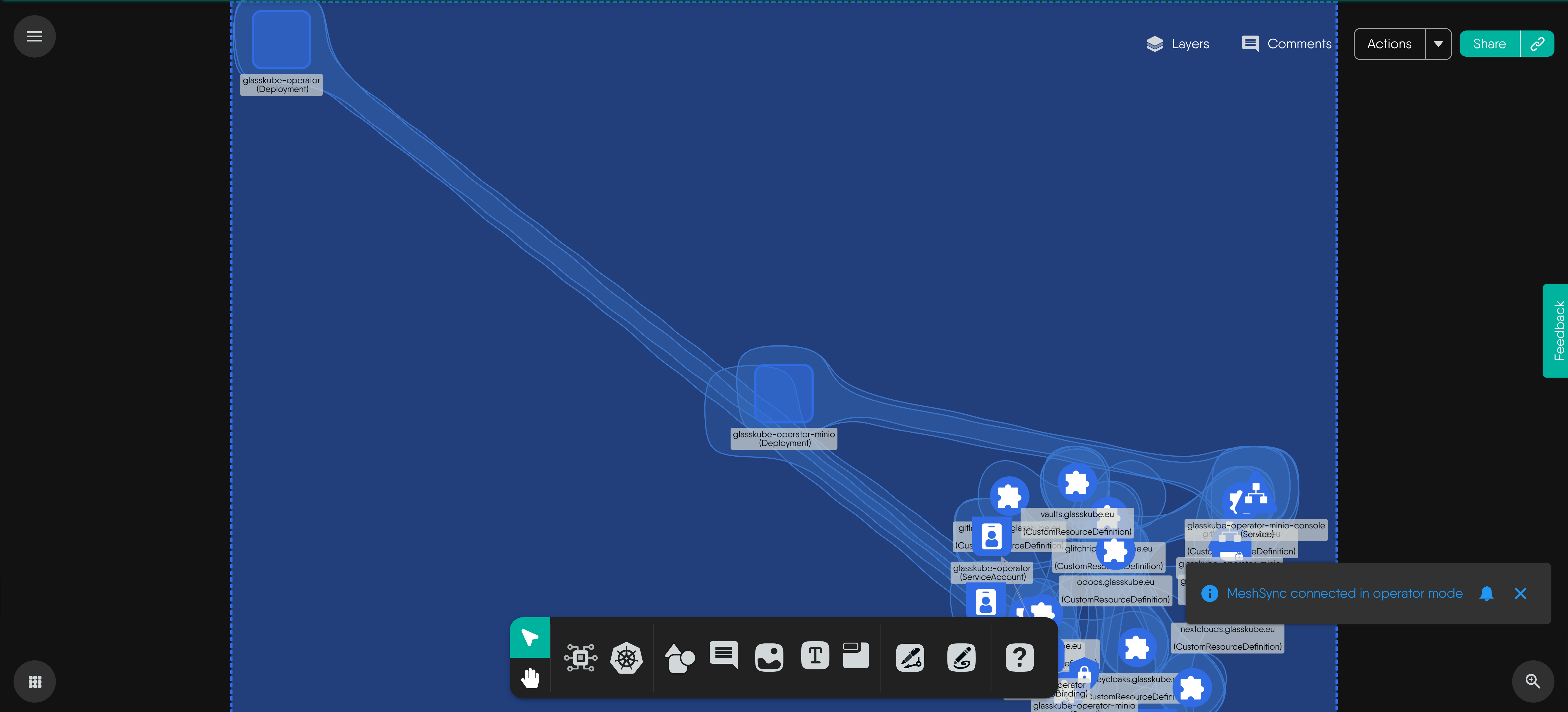
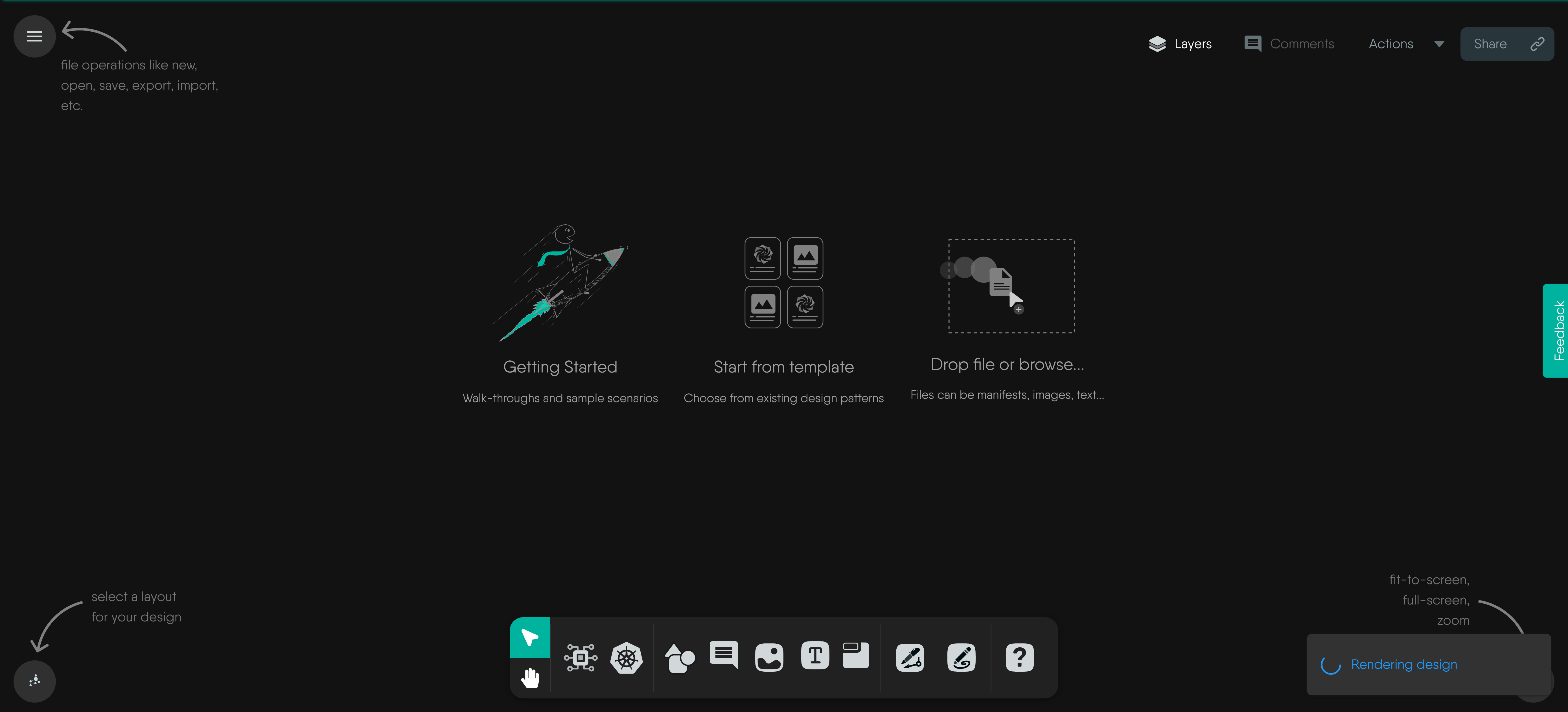
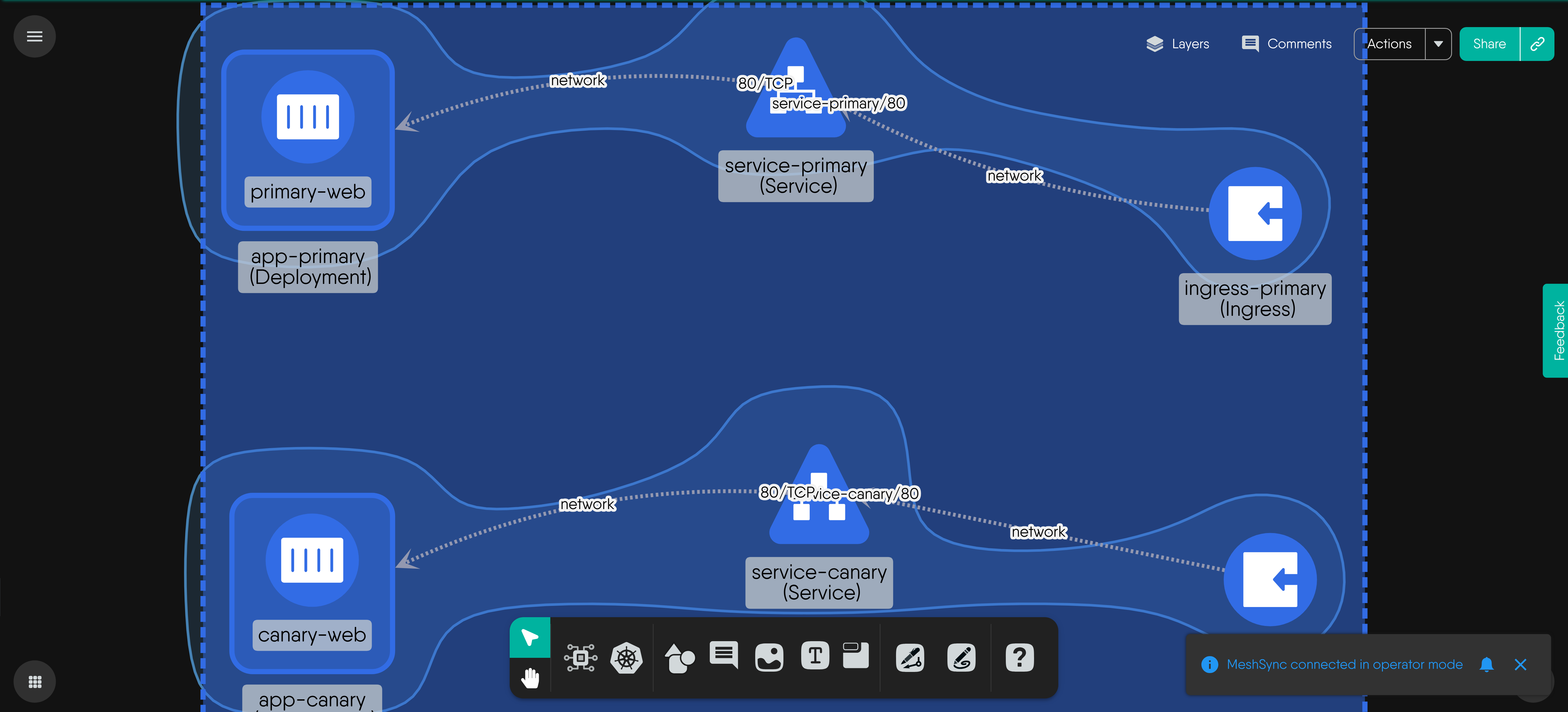
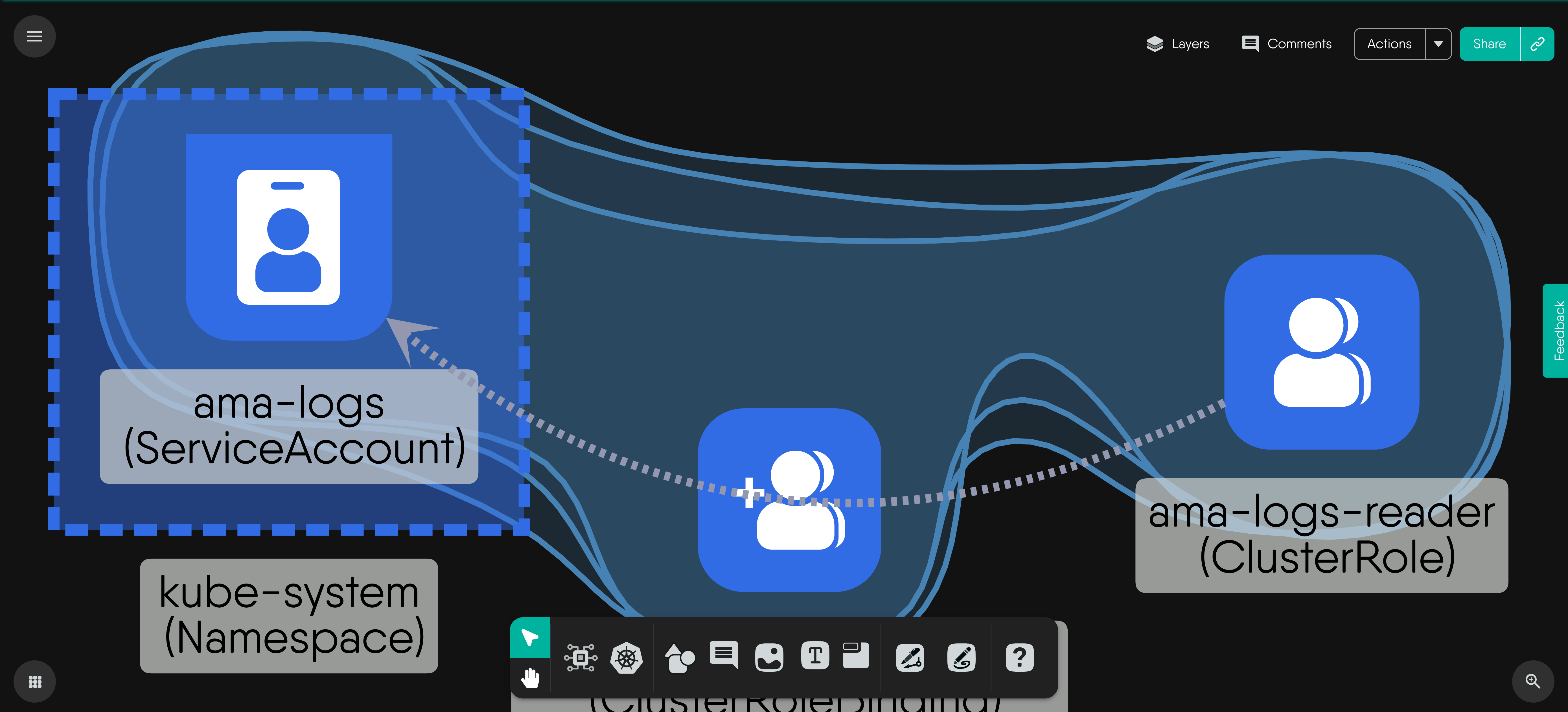
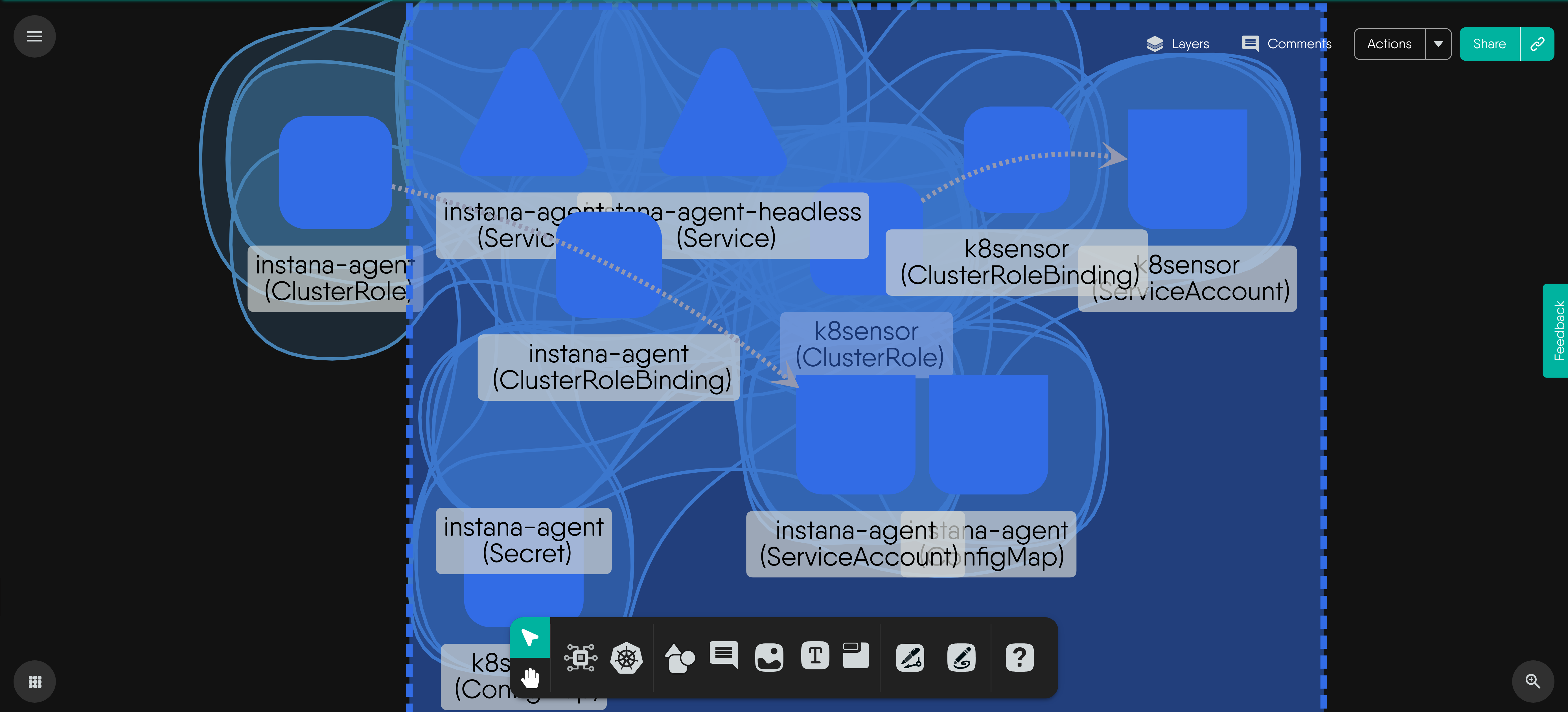
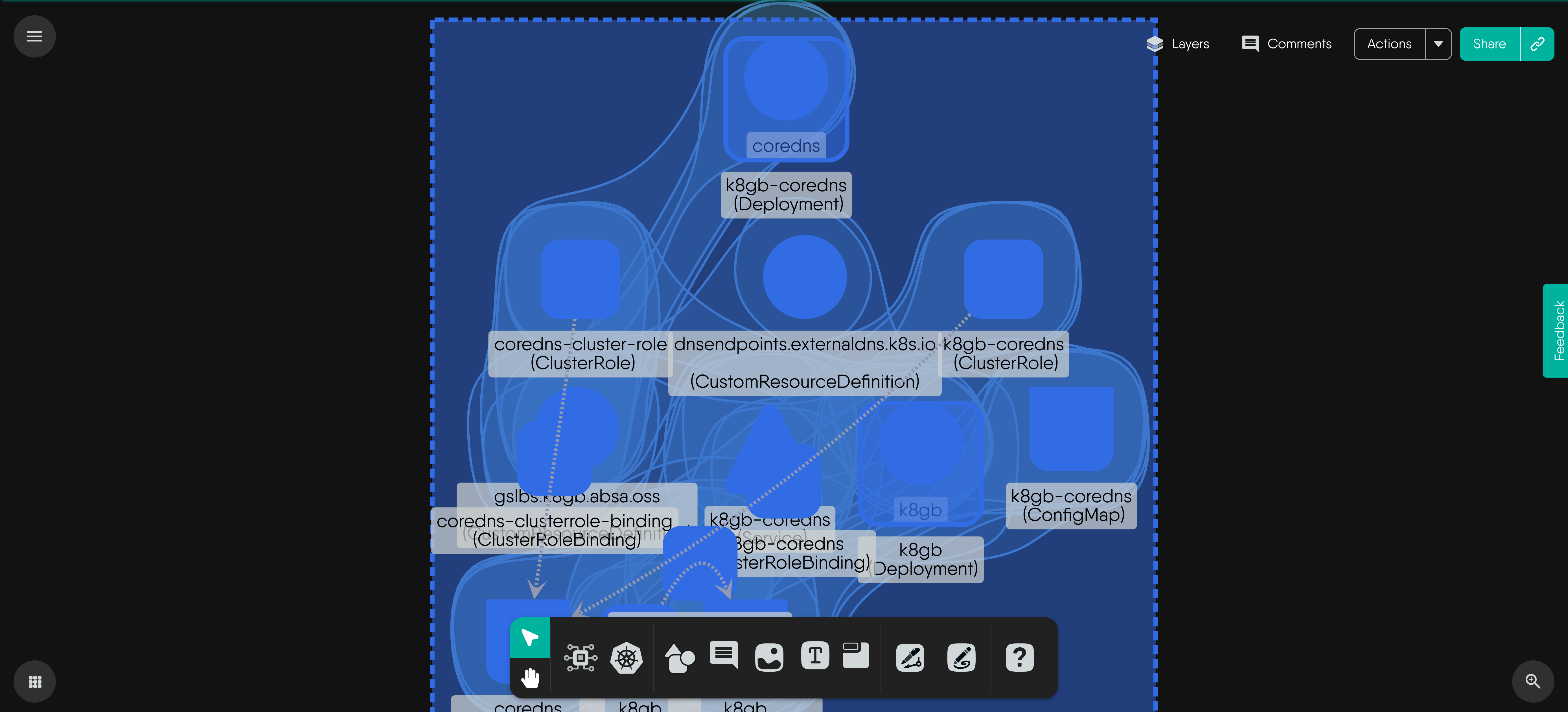
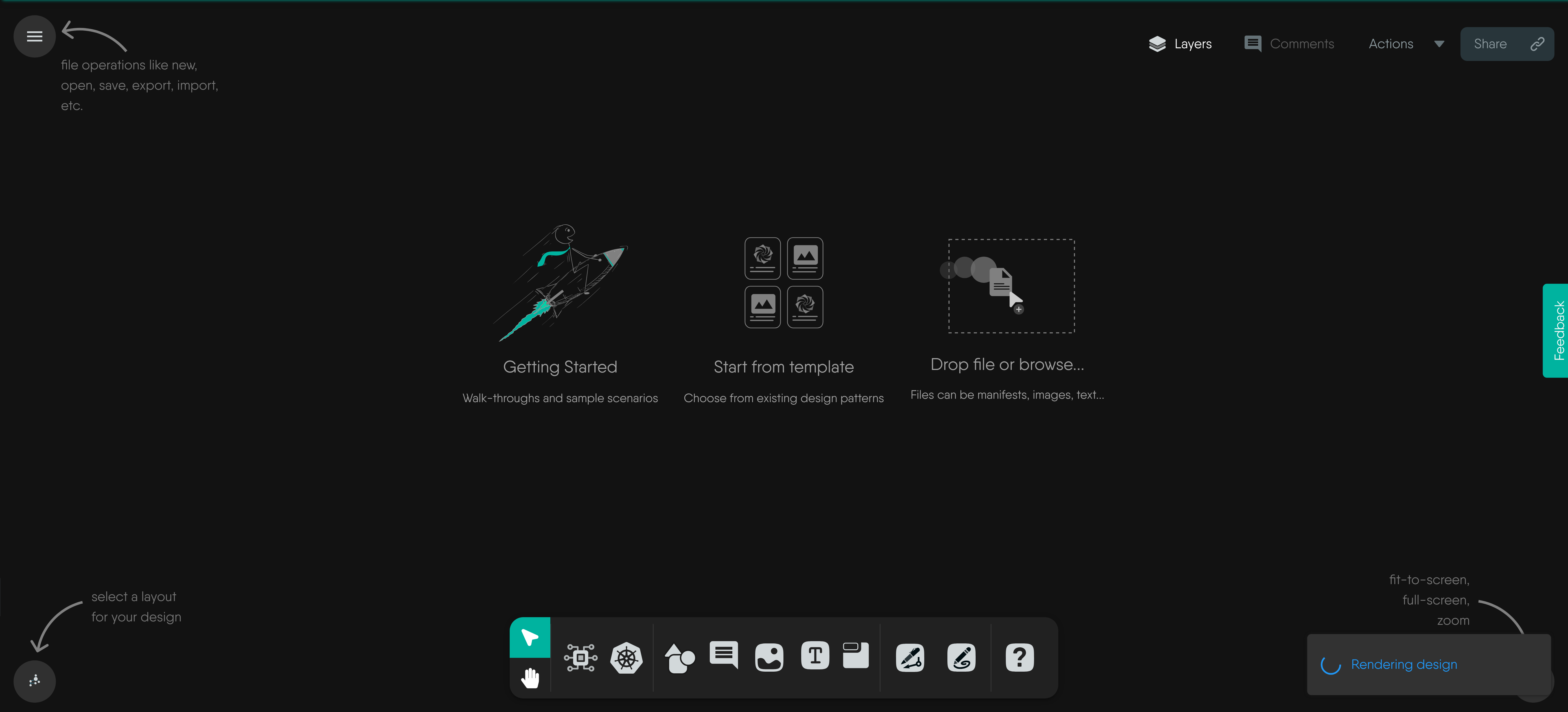
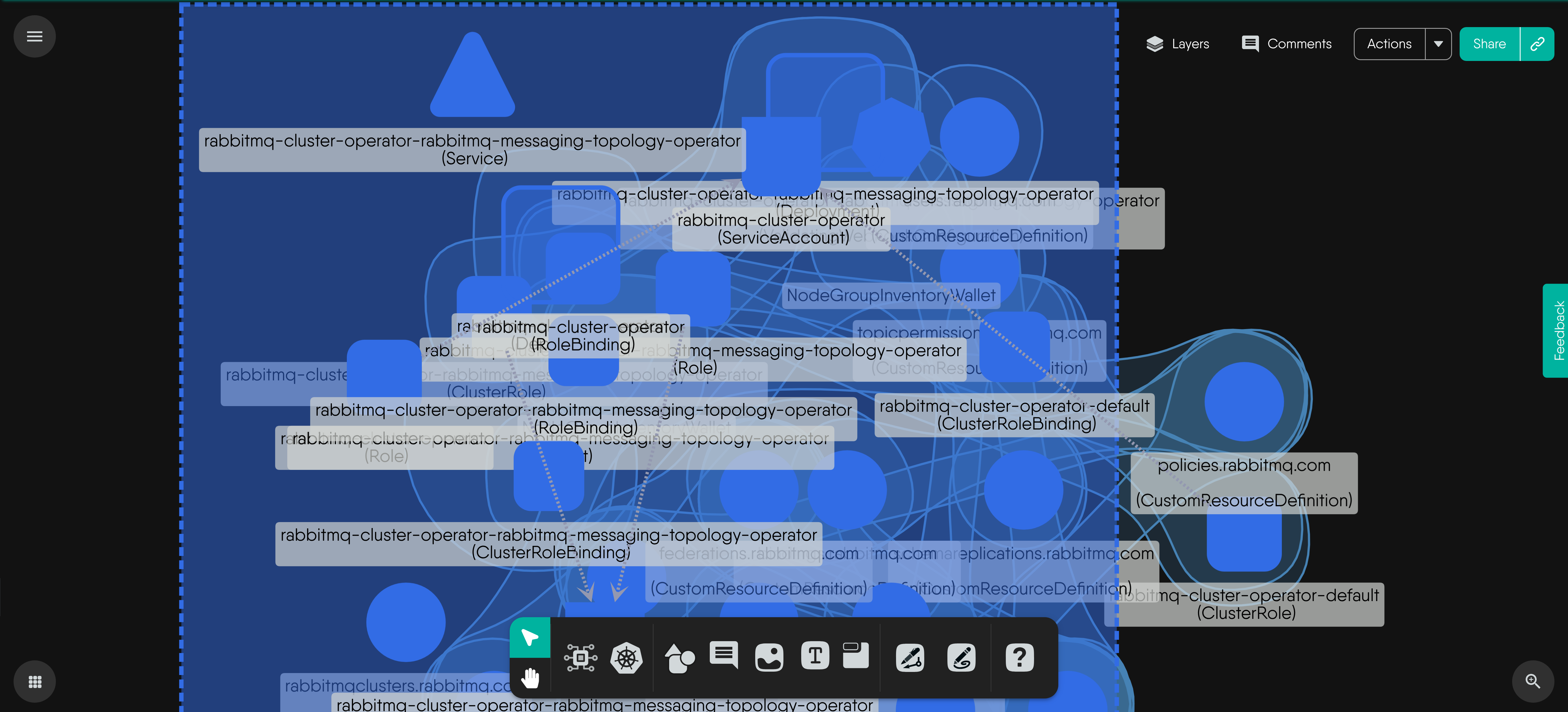
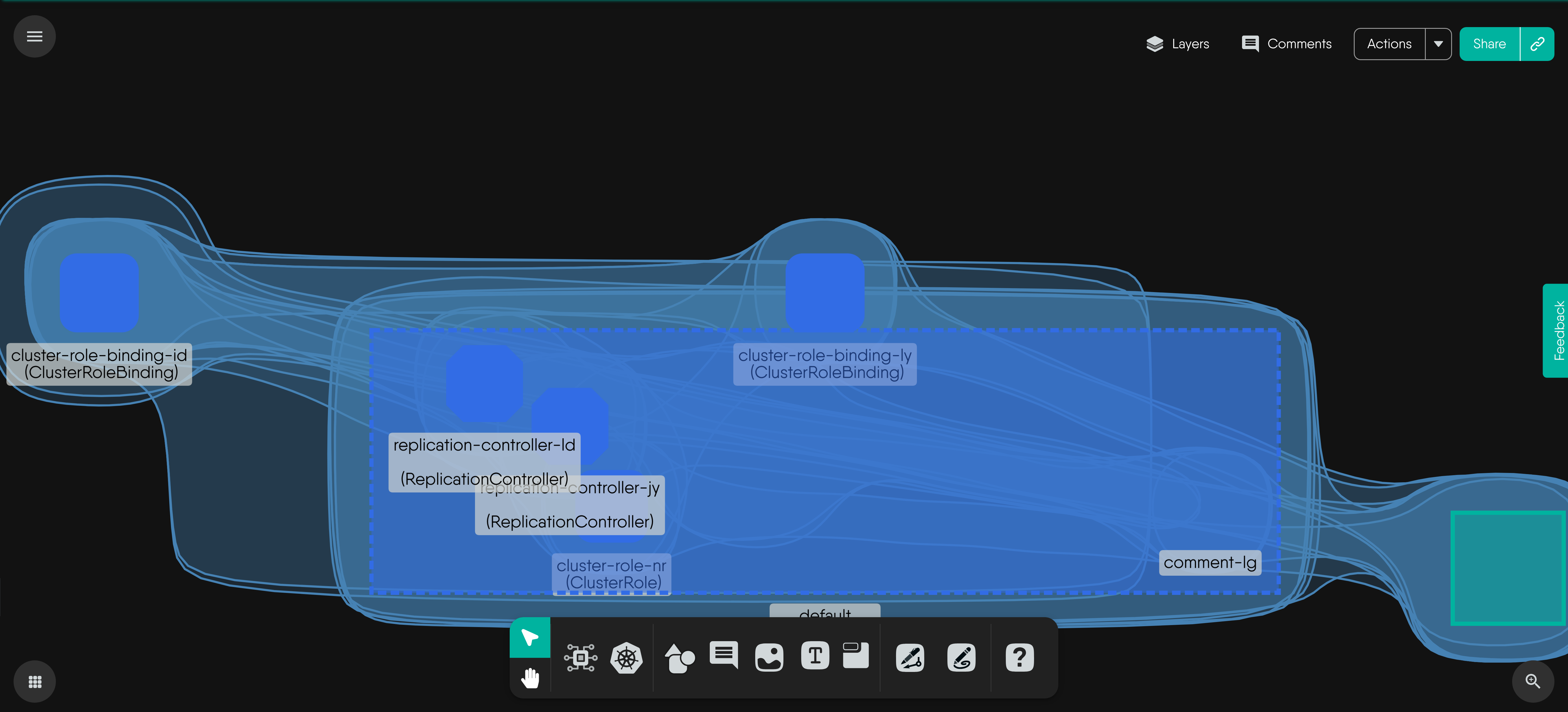
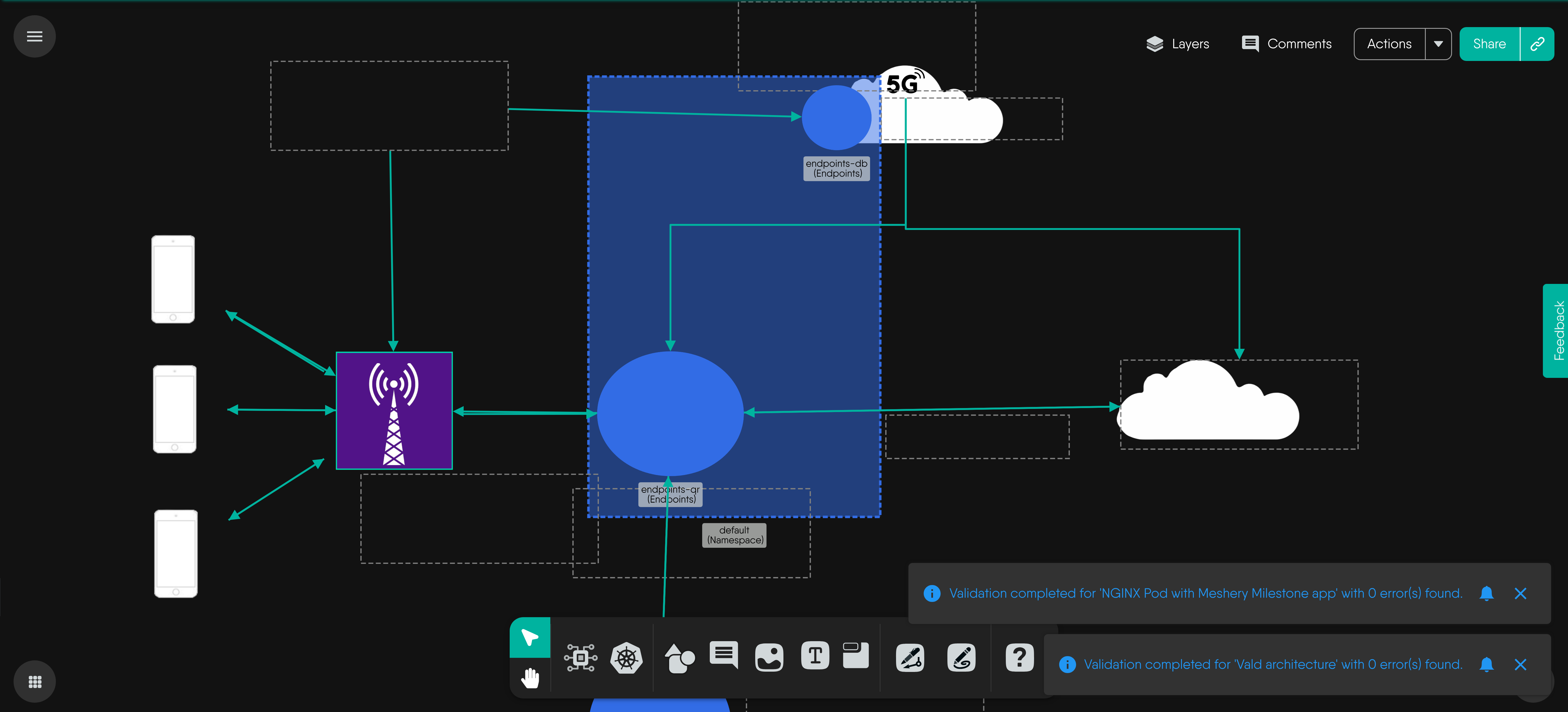
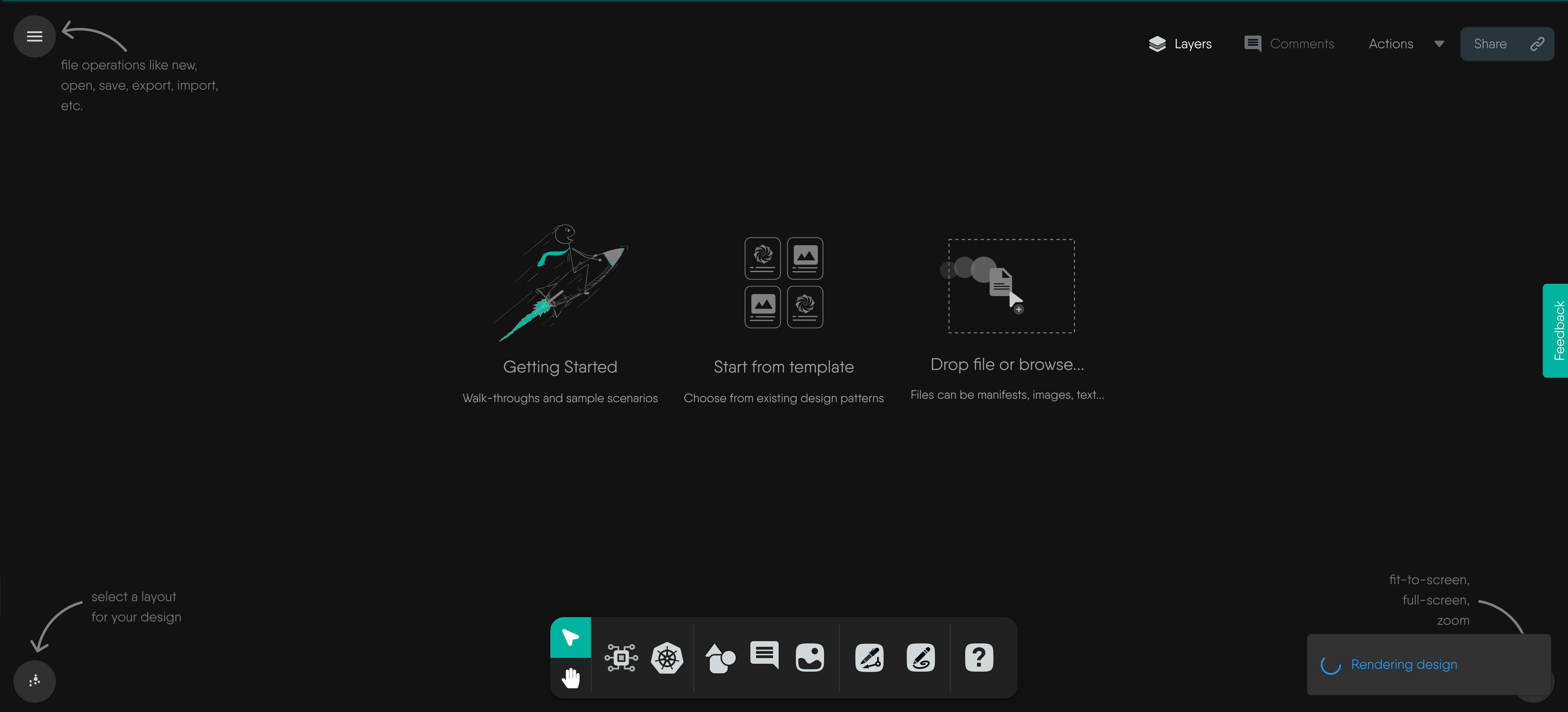
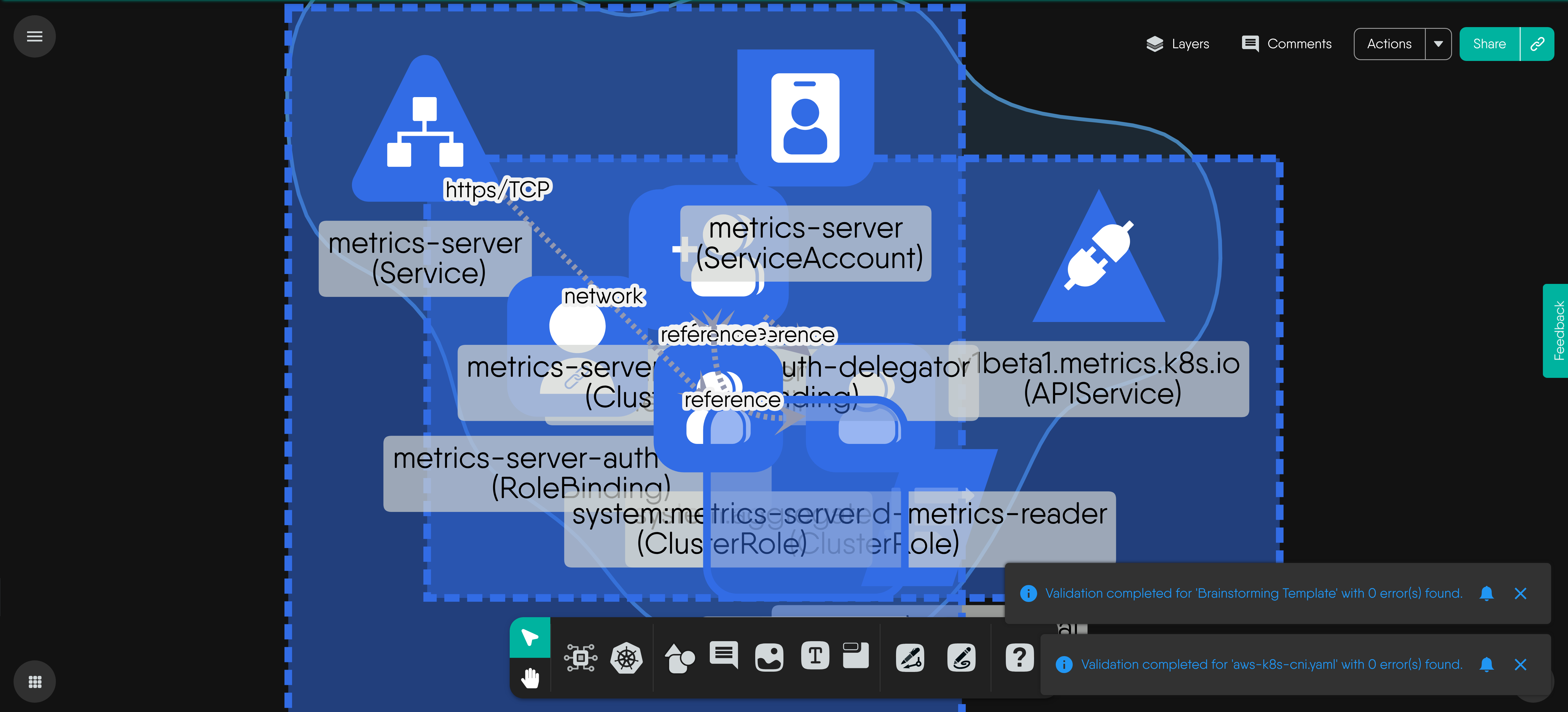
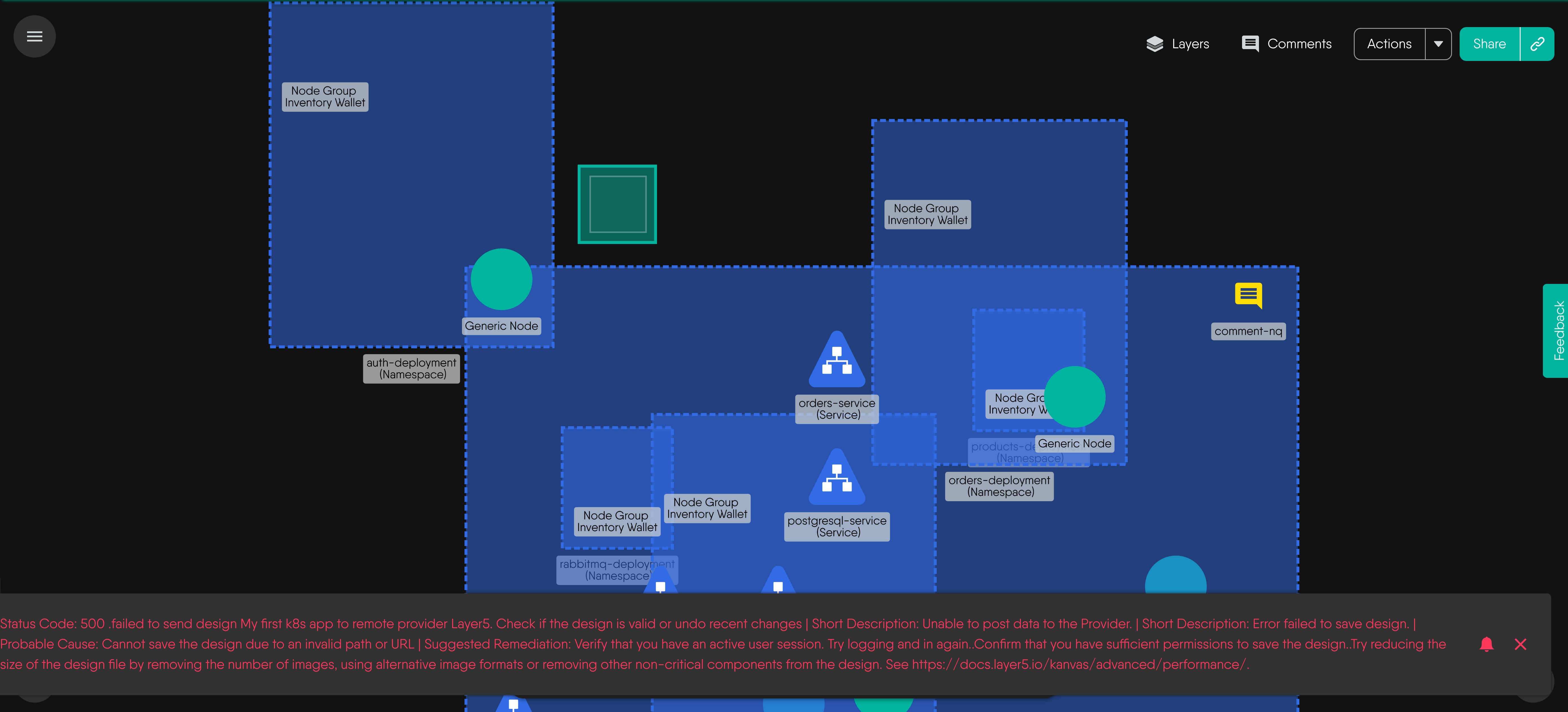
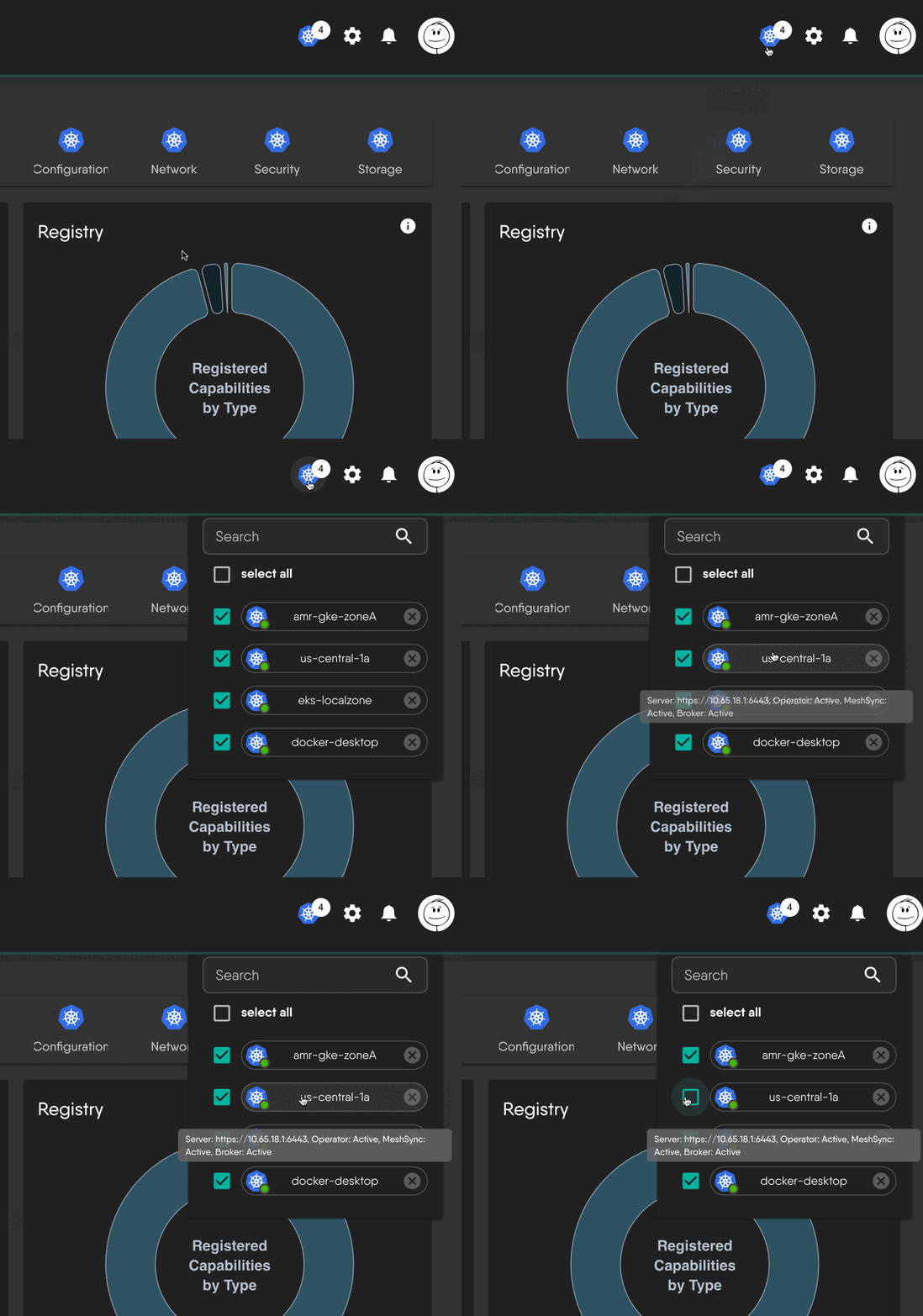
The fastest way to put your hands on Meshery is in its playground. No installation required. Just click and go!

Using Your Platform Of Choice and Install

Choose a platform and see how easy it is to start managing cloud native infrastructure with a single command.

Bash User Bash User Brew User Brew User Docker User Docker User Kubernetes User Kubernetes User Windows User Windows User Google Kubernetes Google Kubernetes AWS Elastic Kubernetes AWS Elastic Kubernetes AKS AKS Minikube Minikube Helm Helm









Bash using Mac or Linux

Install on Kubernetes

$ curl -L https://meshery.io/install | PLATFORM=kubernetes bash - Copy to clipboard

Install on Docker

$ curl -L https://meshery.io/install | PLATFORM=docker bash - Copy to clipboard

Brew User:

Install on Mac or Linux using Homebrew:

$ brew install mesheryctl $ mesheryctl system start Copy to clipboard

Docker User:

Get mesheryctl

Install mesheryctl with Bash, Brew, Scoop, or download directly.

Use mesheryctl

mesheryctl system context create docker --platform docker --set mesheryctl system start Copy to clipboard

Use Docker Extension for Meshery

docker extension install meshery/docker-extension-meshery:stable-latest Copy to clipboard

Kubernetes User:

Get mesheryctl

Install mesheryctl with Bash, Brew, Scoop, or download directly.

Use mesheryctl

mesheryctl system context create k8s --platform kubernetes --set mesheryctl system start Copy to clipboard

Windows User:

Using Scoop

$ scoop bucket add mesheryctl https://github.com/meshery/scoop-bucket.git $ scoop install mesheryctl $ mesheryctl system start Copy to clipboard

Using Binary

Not a Scoop user? Download and unzip the mesheryctl binary directly from the Meshery releases page. Add mesheryctl to your path for ease of use. Then, execute:

$ mesheryctl system start Copy to clipboard

Azure Kubernetes Service ( AKS ) User:

Get mesheryctl

Install mesheryctl with Bash, Brew, Scoop, or download directly.

Use mesheryctl

Authenticate to Azure and configure credentials for your intended AKS cluster using az aks get-credentials --resource-group <resource-group> --name <cluster-name>. Verify the active context using kubectl config current-context and select the intended context using kubectl config use-context <context-name> when necessary. Consult the official AKS setup instructions for more details.

mesheryctl system start -p kubernetes Copy to clipboard

Minikube User:

Get mesheryctl

Install mesheryctl with Bash, Brew, or Scoop, or download directly.

Use mesheryctl

mesheryctl system config minikube Copy to clipboard

Using Helm

helm repo add meshery https://meshery.io/charts/ helm install meshery meshery/meshery --namespace meshery --create-namespace Copy to clipboard

Learn about Meshery's Helm charts. Don't forget to grab a copy of mesheryctl. Install mesheryctl with Bash, Brew, or Scoop.