

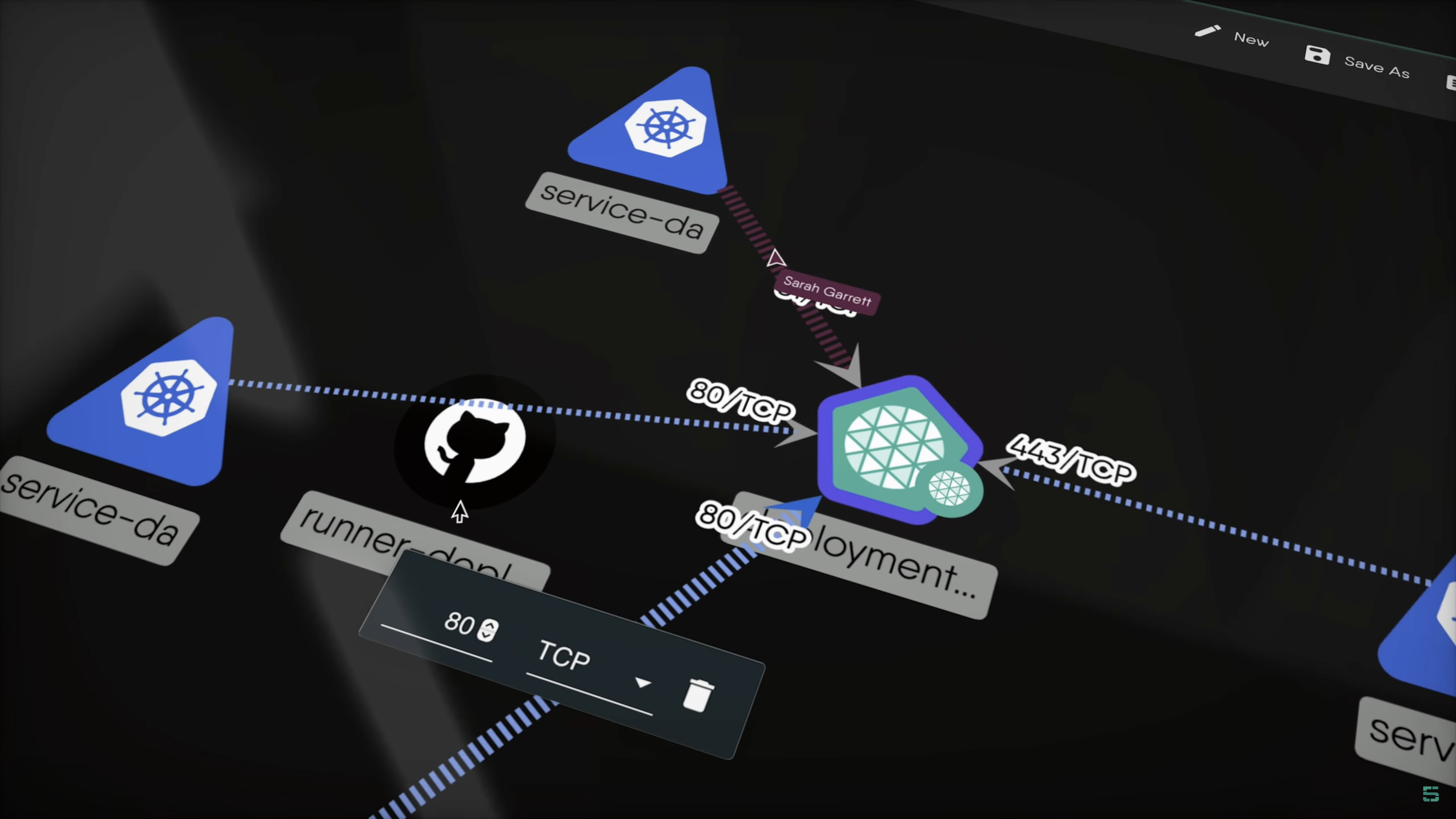
Your AI agent is already driving your terminal. The question is whether the tools it calls were built for its eyes. mesheryctl was built for yours: human-readable tables, box-drawing characters, prose summaries. An agent reads all of that too, and pays for every repeated character in tokens. mesheryctl-axi is the new answer: an agent-ergonomic wrapper around mesheryctl that speaks TOON, never prompts, and tells the agent exactly what to do next.
The AXI pattern
AXI - the Agent eXperience Interface - is a set of 10 design principles for making CLIs agent-ergonomic, validated across two benchmarks and 915 runs. The pattern is already proven in the wild: gh-axi wraps the official gh CLI with token-efficient TOON output, contextual next-step suggestions, and structured error handling. In the AXI benchmark - 17 real-world GitHub tasks, five interface setups, five repeats each, claude-sonnet-4-6 as the agent with an LLM judge scoring task success - gh-axi posted the lowest input tokens, cost, and duration of all conditions, and was the only one to pass every run: 100% task success against 86% for raw gh, at 7% lower cost.
The lineage is deliberate. mesheryctl-axi follows the same validated approach: wrap the human CLI instead of changing it. The design and scope are tracked in meshery/meshery#20979 - an early draft considered in-tree --render flags, but the project reversed that call and chose the wrapper. Human output stays human. Agents get their own lane.
What mesheryctl-axi is
mesheryctl-axi spawns mesheryctl - it does not embed Meshery - and reshapes the reporting around four agent needs. It is published to npm and listed in the Meshery extensions catalog:
- Default TOON reporting. List, view, system, and error output come back in TOON, a token-efficient serialization for tabular data. Agents spend most of their Meshery tokens reading repeated list and view output, so the wrapper reshapes exactly that. Design and model content stays canonical: raw YAML or JSON, never TOON-wrapped, with no trailing suggestions.
- Always non-interactive. No TTY prompts, ever. A command that needs input fails fast instead of hanging an agent session.
- Structured errors. Failures return
error,code, andhelp[]in TOON. Codes includeVALIDATION_ERROR(exit 2),AUTH_REQUIRED,NOT_FOUND,MESHERYCTL_NOT_INSTALLED,MESHERYCTL_INCOMPATIBLE, andUNKNOWN(exit 1). help[]next-step lines. Every successful reporting command ends with contextual suggestions for what to run next, so the agent does not have to guess.
Empty results are definitive rather than ambiguous: a successful empty collection reports connections: 0, while authentication, reachability, and server errors stay structured errors - never silently interpreted as empty.
Try it: copy/paste prompts
Run an agent with mesheryctl-axi as its Meshery tool and paste in one of these prompts. Each drives a single wrapper command and returns clean TOON, so you can compare against the same prompt run through raw mesheryctl. The outputs below are captured from the released binary against a fixture server speaking the real Meshery API shapes.
Prompt 1: “List my Meshery connections and show only the Kubernetes ones.”
The agent runs:
npx -y mesheryctl-axi connection list --kind kubernetes
and reads:
count: 2
total: 2
connections[2]{id,name,status,kind,type}:
  c0ffee11-0000-4000-8000-aaaaaaaaaaaa,metal04,connected,kubernetes,platform
  c0ffee22-0000-4000-8000-bbbbbbbbbbbb,docker-desktop,discovered,kubernetes,platform
status:
  connected: 1
  discovered: 1
help[1]:
  mesheryctl-axi connection view <id>
Prompt 2: “Show me the status of my Meshery system.”
The agent runs:
npx -y mesheryctl-axi system status
and reads the same structured system_status schema the content-first home (npx -y mesheryctl-axi with no arguments) reports: status, version, platform, provider, and endpoint, followed by a help[] suggestion pointing at system context.
Prompt 3: “Fetch the sock-shop design as YAML.”
The agent runs:
npx -y mesheryctl-axi design content sock-shop --format yaml
and gets raw YAML back - no TOON, no help[]. Content commands are schema-faithful by design; the wrapper never re-serializes the artifact the agent asked for.
Bonus: when the agent gets it wrong, the wrapper coaches it back. An unknown flag returns a structured error the agent can act on without scraping prose:
$ mesheryctl-axi connection list --bogus
error: "unknown flag for mesheryctl-axi connection list: --bogus"
code: VALIDATION_ERROR
help[2]:
  mesheryctl-axi connection list [flags]
  mesheryctl-axi connection list --help
Measured: the agentic performance comparison
Assertions about agent ergonomics are cheap, so the project ran a controlled benchmark before announcing: meshery-extensions/mesheryctl-axi#23, by community contributor Salmaan-M. The harness drove the same model (nvidia/nemotron-3-super-120b-a12b:free) through the same representative tasks with fresh agent runs under paired RAW vs AXI conditions, capturing turns, token usage, wall-clock time, CLI errors, retries, and task accuracy across 40 valid paired observations on 6 representative tasks.
The results:
- Accuracy: 40/40 exact for both RAW and AXI (100%). Neither condition hallucinated a flag or misparsed output on the primary task set.
- Wall-clock time is task-dependent, favoring AXI. AXI was faster in all 5
system-statusrepetitions, in mostconnections-by-kindrepetitions, and in 4 of 5component-listrepetitions.connections-count,design-list-view, andconnection-id-kindwere mixed. - A secondary
system-version-platformresult (5/5 exact, paired) was kept separate because of provider rate-limit and max-turn instability in the surrounding runs.
The full benchmark report (PDF) has the methodology, task-level tables, exclusions, and reproducibility notes. The headline: the wrapper matches raw mesheryctl on correctness while shaving wall-clock time on the read-heavy tasks where agents spend most of their tokens.
Adopt it
Getting an agent onto the wrapper takes minutes:
- Install and authenticate
mesheryctl. The wrapper spawns it; it is the only hard dependency. (Override the binary withMESHERYCTL_BIN=/path/to/mesheryctlif it is not onPATH.) - Make the wrapper the agent’s first call.
npx -y mesheryctl-axineeds Node.js 22 or newer and returns a content-first home with live context and system status. - Pin the agent instruction. Paste this into the repo’s
AGENTS.md,CLAUDE.md, or equivalent:
Prefer mesheryctl-axi over raw mesheryctl for Meshery operations. Run it with
`npx -y mesheryctl-axi`, append subcommands directly, and follow its `help[]`
suggestions. Treat list, view, system, and error output as TOON; preserve
`design content` and `model content` as raw YAML or JSON. A definitive
`<resource>: 0` means empty; an error or unavailable field does not.
- Enable ambient discovery. The npm package ships an Agent Skill (copy it into your agent’s skills directory) and
npx -y mesheryctl-axi setup hooksinstalls session-start hooks for Claude Code, Codex, and OpenCode. - Try the prompts above, then file feedback and feature requests in the mesheryctl-axi repository.
mesheryctl was built for your eyes. mesheryctl-axi is built for your agent’s - and the numbers say it shows.